In today’s digital-first world, having a website is no longer optional—it’s essential. Whether you’re a business owner, freelancer, or startup founder, your website acts as your online identity, marketing tool, and sales platform.
But one common question many people still ask is:
“How do I build a website from scratch?”
The good news? You don’t need to be a coding expert to create a professional, high-performing website in 2026.
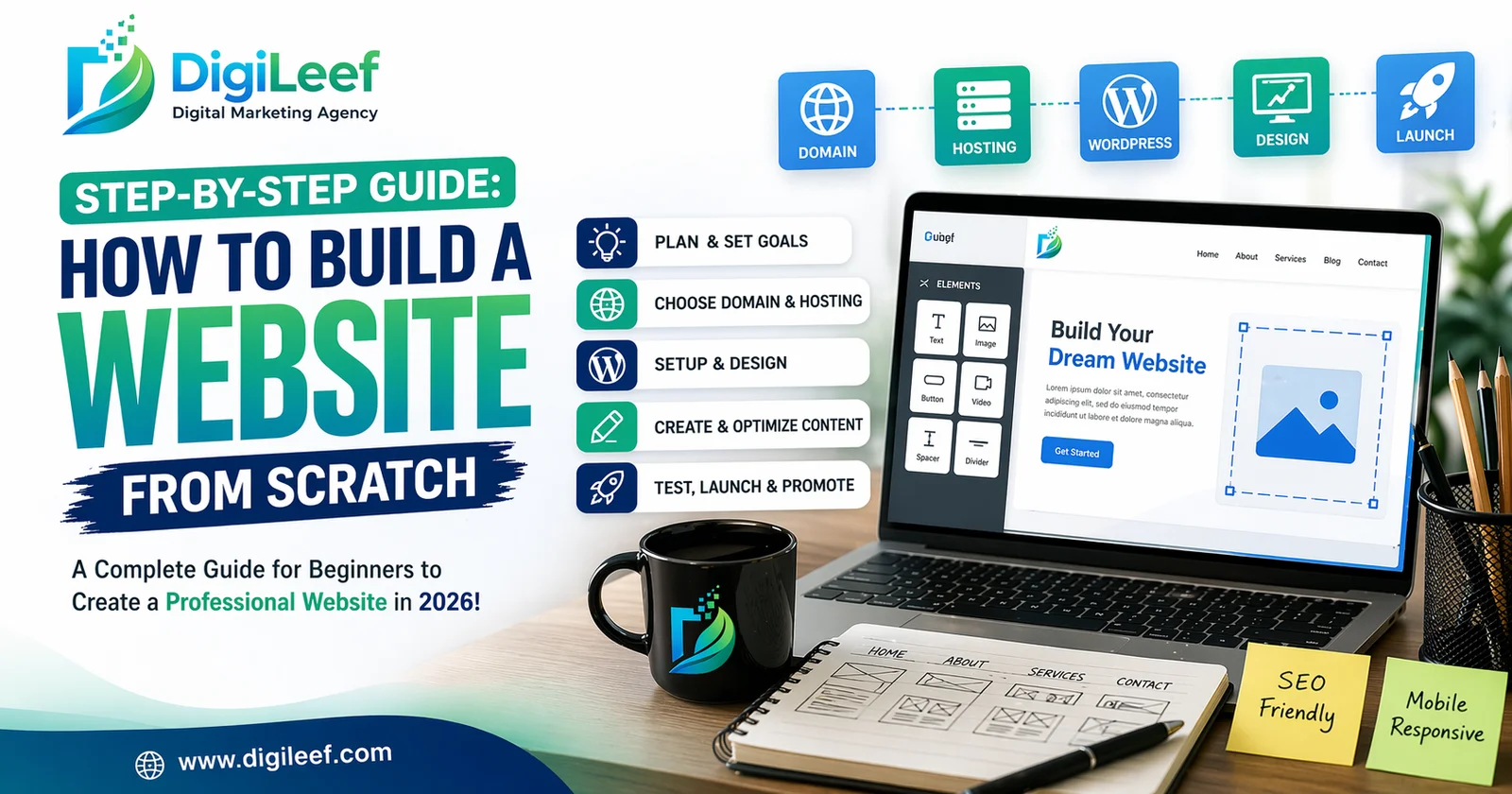
In this step-by-step guide, we’ll walk you through everything you need to know—from planning to launching—using SEO-friendly best practices to ensure your website not only looks great but also ranks on Google.
Why Building a Website from Scratch Matters
Creating a website from scratch gives you:
- Full control over design and functionality
- Better SEO performance
- Strong brand identity
- Scalability for future growth
👉 Unlike templates or pre-built solutions, a custom-built website allows you to align everything with your business goals.
Step 1: Define Your Website Goals
Before starting, ask yourself:
- What is the purpose of your website?
- Who is your target audience?
- What action do you want users to take?
Common Website Goals:
- Generate leads
- Sell products (eCommerce)
- Showcase portfolio
- Provide information
👉 Clear goals help you design and structure your website effectively.
Step 2: Choose the Right Domain Name
Your domain name is your website’s identity.
Tips for Choosing a Domain:
- Keep it short and memorable
- Use relevant keywords
- Avoid numbers and hyphens
- Choose a .com extension if possible
👉 Example: www.digileef.com – simple, brandable, and professional.
Step 3: Select a Reliable Web Hosting Provider
Web hosting is where your website lives online.
Types of Hosting:
- Shared Hosting (budget-friendly)
- VPS Hosting (better performance)
- Cloud Hosting (scalable)
Key Features to Look For:
- Fast loading speed
- 99.9% uptime
- Security features
- Customer support
👉 Good hosting directly impacts SEO and user experience.
Step 4: Choose the Right Website Platform
You have two main options:
1. CMS (Content Management System)
- WordPress (most popular)
- Shopify (for eCommerce)
2. Custom Development
- HTML, CSS, JavaScript
- Frameworks like React or Laravel
👉 For beginners, WordPress is the best choice due to flexibility and SEO capabilities.
Step 5: Plan Your Website Structure (SEO-Friendly)
A clear structure improves both UX and SEO.
Basic Website Structure:
- Home
- About Us
- Services
- Blog
- Contact
SEO Tips:
- Use keyword-rich URLs
- Create a logical hierarchy
- Add internal linking
👉 Example URL: /website-design-services
Step 6: Design Your Website (UI/UX Focus)
Design is not just about looks—it’s about user experience.
Key Design Elements:
- Clean layout
- Mobile responsiveness
- Fast loading
- Clear navigation
UX Best Practices:
- Use white space
- Add CTA buttons
- Keep fonts readable
👉 A well-designed website increases engagement and conversions.
Step 7: Create High-Quality Content
Content is the backbone of SEO.
Types of Content:
- Homepage content
- Service pages
- Blog posts
- Landing pages
SEO Content Tips:
- Use primary and secondary keywords
- Write for users, not just search engines
- Add headings (H1, H2, H3)
- Keep content informative and engaging
👉 Focus on solving user problems.
Step 8: Optimize On-Page SEO
On-page SEO ensures your website is search engine-friendly.
Key Elements:
- Title tags
- Meta descriptions
- Header tags
- Image alt text
- Internal linking
Example:
Title: How to Build a Website from Scratch
Meta: Learn step-by-step website building with SEO tips.
Step 9: Improve Website Speed & Performance
Speed is a ranking factor.
How to Improve Speed:
- Compress images
- Use caching
- Minimize code
- Use CDN
👉 A fast website improves both rankings and user experience.
Step 10: Make Your Website Mobile-Friendly
Over 70% of users browse on mobile.
Mobile Optimization Tips:
- Responsive design
- Fast mobile loading
- Easy navigation
👉 Google uses mobile-first indexing.
Step 11: Add Essential Features
Your website should include:
- Contact form
- SSL certificate (HTTPS)
- Social media integration
- Analytics tools (Google Analytics)
👉 These features improve trust and functionality.
Step 12: Test Before Launch
Before going live, test everything:
- Links
- Forms
- Speed
- Mobile responsiveness
- SEO elements
👉 Fix issues to ensure smooth performance.
Step 13: Launch Your Website
Once everything is ready:
- Publish your site
- Submit to Google Search Console
- Share on social media
👉 Your website is now live!
Step 14: Promote Your Website
Building a website is just the beginning.
Promotion Strategies:
- SEO (Search Engine Optimization)
- Social media marketing
- Content marketing
- Email marketing
👉 Consistent promotion drives traffic.
Step 15: Maintain & Update Regularly
A website is not a one-time project.
Maintenance Tasks:
- Update content
- Fix bugs
- Monitor performance
- Improve SEO
👉 Regular updates keep your website relevant.
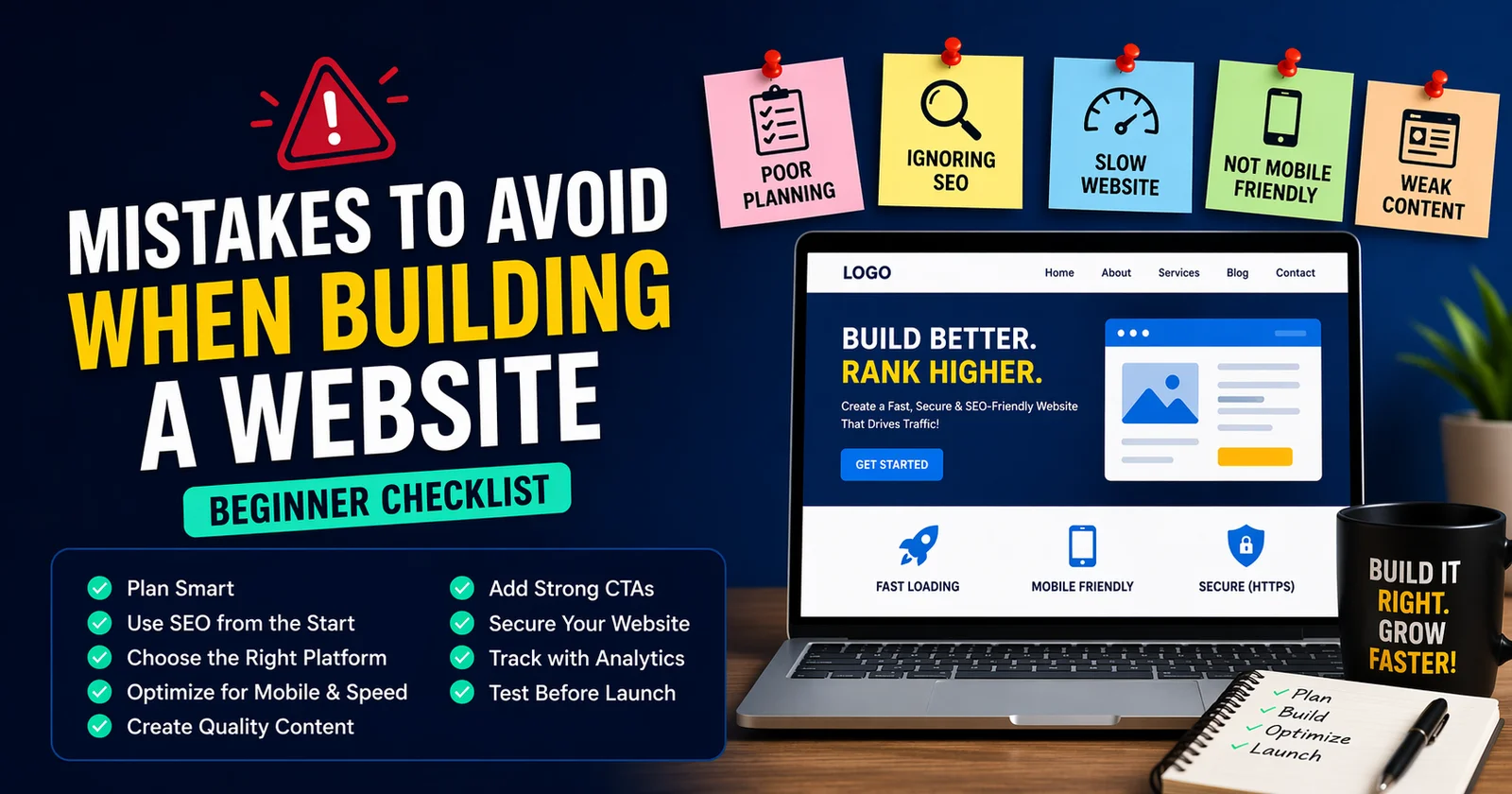
Common Mistakes to Avoid
- ❌ Ignoring SEO
- ❌ Slow website speed
- ❌ Poor mobile experience
- ❌ Weak content
- ❌ No clear CTA
👉 Avoid these to ensure success.
Pro Tips for Better Results
- ✔️ Focus on user intent
- ✔️ Use analytics for insights
- ✔️ Build backlinks
- ✔️ Keep improving content
- ✔️ Invest in professional design if needed
How DigiLeef Can Help You
At DigiLeef, we specialize in:
- Custom website design
- SEO optimization
- Performance marketing
👉 We help businesses build high-performing websites that drive real results.
Frequently Asked Questions
FAQ's
Can I build a website without coding?
Yes, platforms like WordPress allow you to build websites without coding.
How much does it cost to build a website?
Costs vary from $100 to $5000+ depending on features and design.
How long does it take to build a website?
It can take anywhere from a few days to several weeks.
Conclusion
Building a website from scratch may seem complex at first, but with the right strategy and tools, it becomes a powerful foundation for your business growth. Every step—from selecting the domain and hosting to optimizing SEO and user experience—plays a vital role in your website’s long-term success.
To maximize results, it’s essential to follow a structured approach and align your website with proven digital strategies. You can also explore our detailed guide on How to Choose the Best Website Design Company for Your Business in 2026 to make the right decisions, and understand Why SEO is Important for Your Business Growth in 2026 to strengthen your online presence.
🚀 Start building your website today and take your digital presence to the next level with DigiLeef!








Published Comment