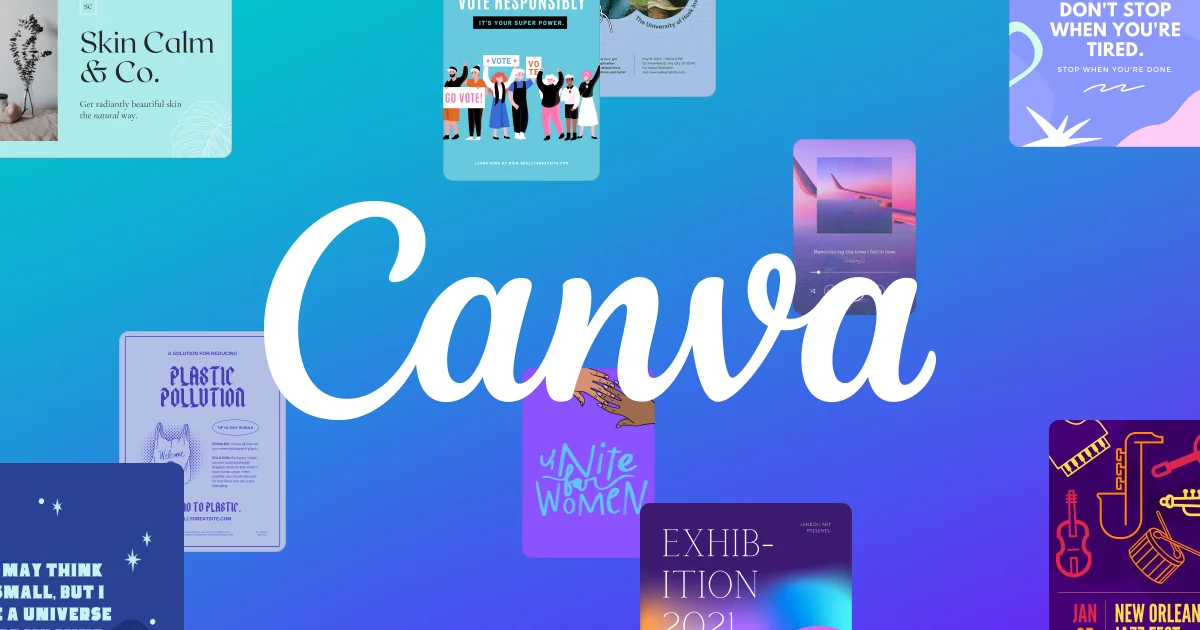
Canva has officially expanded its AI ecosystem by launching a new Connected App for Google Gemini. The announcement was made during Google I/O 2026 and marks another major step in Canva’s strategy to integrate its design tools across leading AI platforms.
With this integration, Gemini users can now create, edit, and manage Canva designs directly inside conversations without switching between multiple apps. The update is designed to simplify creative workflows and make AI-generated content more editable and brand-ready.
Canva Expands Across Major AI Platforms
Before Gemini, Canva had already integrated with AI assistants like OpenAI ChatGPT, Anthropic Claude, and Microsoft Copilot. With Google Gemini now added to the list, Canva has positioned itself as a design layer across all major AI ecosystems.
The move allows users to:
- Generate Canva designs inside Gemini
- Edit layouts using prompts
- Search existing Canva projects
- Convert AI-generated visuals into editable designs
- Apply Brand Kits automatically
This creates a more connected workflow for marketers, designers, agencies, and businesses using AI for content creation.
Magic Layers Makes AI Designs Editable
One of the biggest highlights of the integration is Canva’s “Magic Layers” feature. Traditionally, AI-generated images are static and difficult to modify. Canva’s new system changes that by turning generated visuals into layered and editable assets.
The technology works alongside Google’s Nano Banana image model, allowing users to:
- Separate image elements into editable layers
- Adjust text and graphics easily
- Scale or reposition objects
- Customize visuals without re-generating the image
This gives creators more control over AI-generated designs while reducing repetitive editing work.
Better Brand Consistency for Teams
According to Canva executives, one of the main goals of the Gemini integration is maintaining brand consistency across AI-generated content. The Connected App links directly to a user’s Canva Brand Kit, including fonts, logos, colors, and design styles.
This means businesses can generate designs that already match their branding from the first prompt. For agencies and marketing teams, this significantly reduces manual adjustments and speeds up production workflows.
The integration also allows different teams to use separate AI assistants while keeping the final output visually consistent.
AI Design Workflows Continue to Evolve
The launch reflects a larger trend in the AI industry. Companies are no longer focusing only on content generation. They are now building complete collaborative workflows around AI tools.
Canva’s integration with Gemini adds another layer to its growing ecosystem, which already connects with platforms like Slack, Gmail, Google Drive, Notion, Zoom, and HubSpot.
Industry experts believe these integrations could reshape how brands create marketing materials, social content, presentations, and digital assets in the future.
Why This Matters for Businesses and Creators
The Canva-Gemini integration offers several advantages:
- Faster design creation
- Reduced manual editing
- Improved collaboration
- Easier brand management
- More flexible AI workflows
For businesses, marketers, and content creators, the update makes it easier to move from an AI-generated idea to a polished design without leaving the conversation interface.
As AI tools continue to compete in creativity and productivity, Canva’s strategy of embedding itself inside multiple AI ecosystems may help strengthen its position in the evolving design market.






Published Comment